This is the admin area — sign in with the admin account to continue.
Auto-publishing
Changes here save to the content database and go live automatically — no manual publish step needed. The live site typically updates within a few minutes of your save.
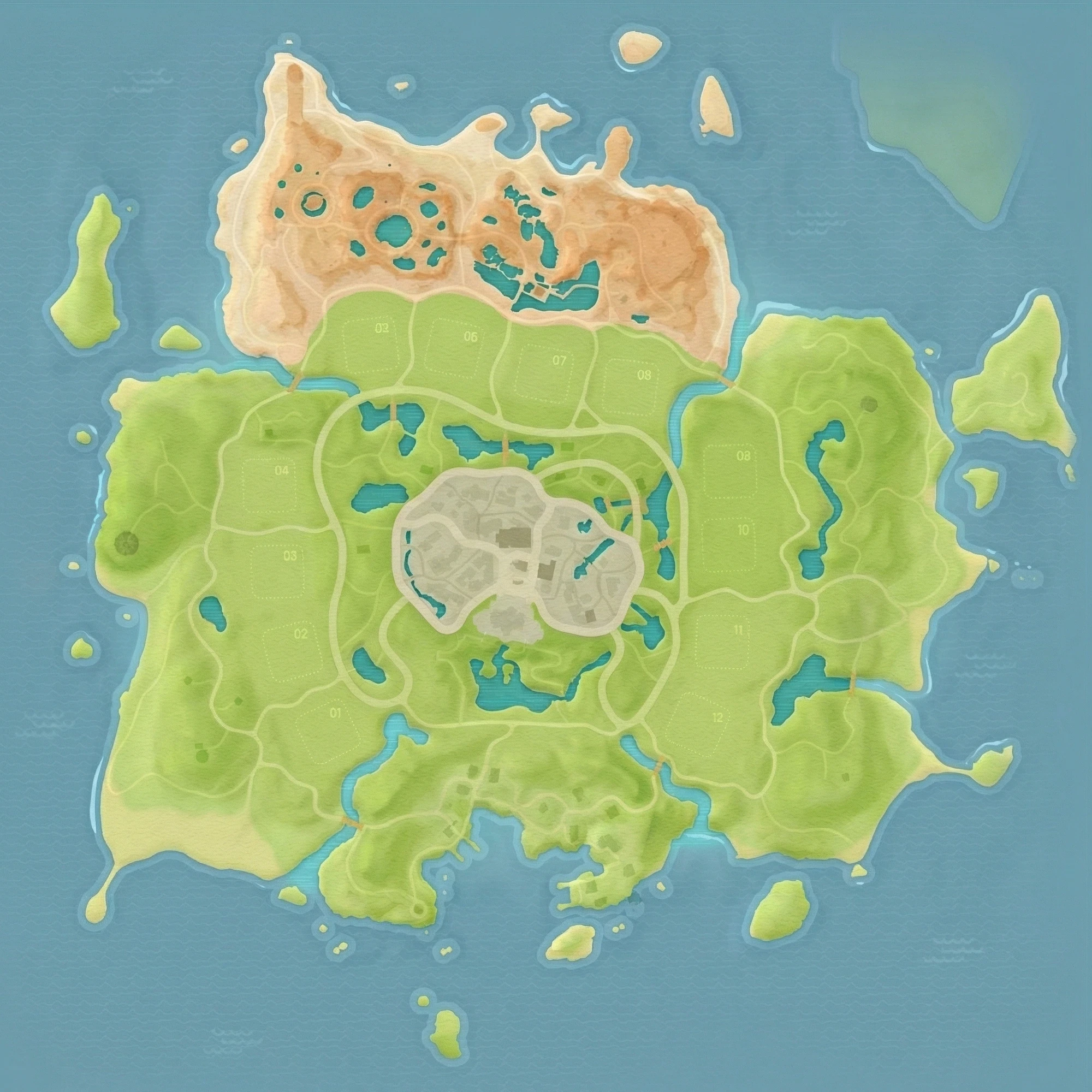
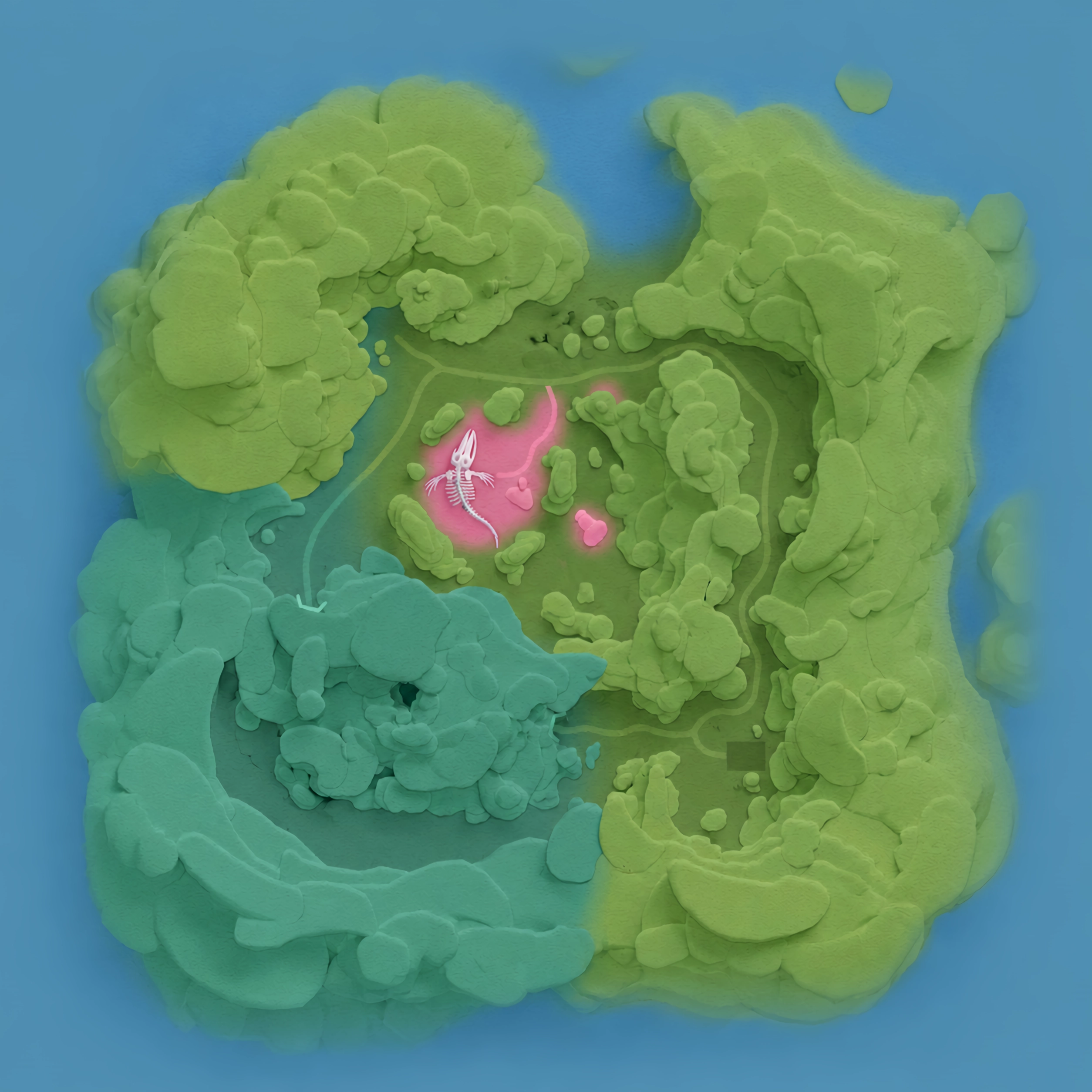
Expand a category on the left, click one of its rows, then click the map to place a pin (a location name can have more than one row if it's a spot that exists in more than one place). Click an existing pin to select it: click the map again to move it, or press Remove to delete it. Selecting a Place or Event Zone also lets you switch toBoundary to trace its area for the hover-highlight. The eye icon on a category hides its pins on the map without collapsing its list. Save writes every change, across every category, at once.
Categories
Places
HatoPedia is an unofficial, fan-made reference site for Heartopia, created and maintained by the community. HatoPedia is not affiliated with, endorsed by, or sponsored by XD Interactive Entertainment Co., Ltd., or any of its affiliates.